
Short answer: NordVPN is the safe default, and the one we rank first. It is the name most people already recognise, the apps are the easiest to hand to someone who has never used a VPN, and it covers ordinary everyday use without fuss. As with every provider on this site, the no-logs policy is the company’s own claim rather than a finding: the money-back window is where you learn whether it actually performs on your connection.
The facts, and where they come from
Everything in this table is what NordVPN published on its own site on 6 September 2026, with the page we read it on. Where a detail was not stated there, the table says so rather than filling the gap from somewhere else. Prices were seen from Europe; they differ by country and change often, so treat the renewal price as the number that matters.
Entry price | from €3.49/month on the two-year plan |
Money-back window | 30 days |
Simultaneous devices | Up to 10 |
Free tier | No free tier |
Governing law | Not stated on the pricing or legal pages we read |
Our ranking | #1 of 7 in our VPN ranking |
Checked on | 6 September 2026, nordvpn.com/pricing |
A no-logs policy is deliberately absent from this table. Every provider here states one, so the statement itself separates nobody; what would separate them is an independent audit with a published scope and date, and that is discussed in the review rather than reduced to a tick.
Price and plans
On 6 September 2026, NordVPN advertised an entry price of €3.49 a month on the two-year plan, covering up to 10 devices, with a money-back window of 30 days. Prices were seen from Europe and differ by country.
The two-year plan is billed as one payment up front, so the monthly figure is a division rather than a monthly charge.
The number that actually decides it
Not the entry price. Almost every VPN headline is a first-term price on a two- or three-year plan paid up front, and the subscription renews at a different rate. Before you commit, work out two figures: what leaves your account today, and what the same subscription costs in year two. A provider that is cheapest on the first number is regularly not cheapest on the second.
The renewal rate is published in the provider’s own terms and on the checkout page, and it is the one figure we will not reproduce here, because it changes and a stale number in a comparison table is worse than none. Read it where it is current, then decide.
The money-back window is the other half of the price question. It is not a courtesy. It is the only trial you get, and it is long enough to find out whether the service is fast enough on your line and works with the things you bought it for. Use it in the first week, not on the last day.
Apps and platforms
On 6 September 2026, NordVPN listed apps or extensions for these platforms on its own download page:
Platform | How it runs |
|---|---|
Windows | Desktop or mobile app |
macOS | Desktop or mobile app |
Linux | Desktop or mobile app |
Android | Desktop or mobile app |
iOS | Desktop or mobile app |
Chrome | Browser extension |
Firefox | Browser extension |
Edge | Browser extension |
Android TV | TV or console app |
routers | Manual setup |
smart TVs | TV or console app |
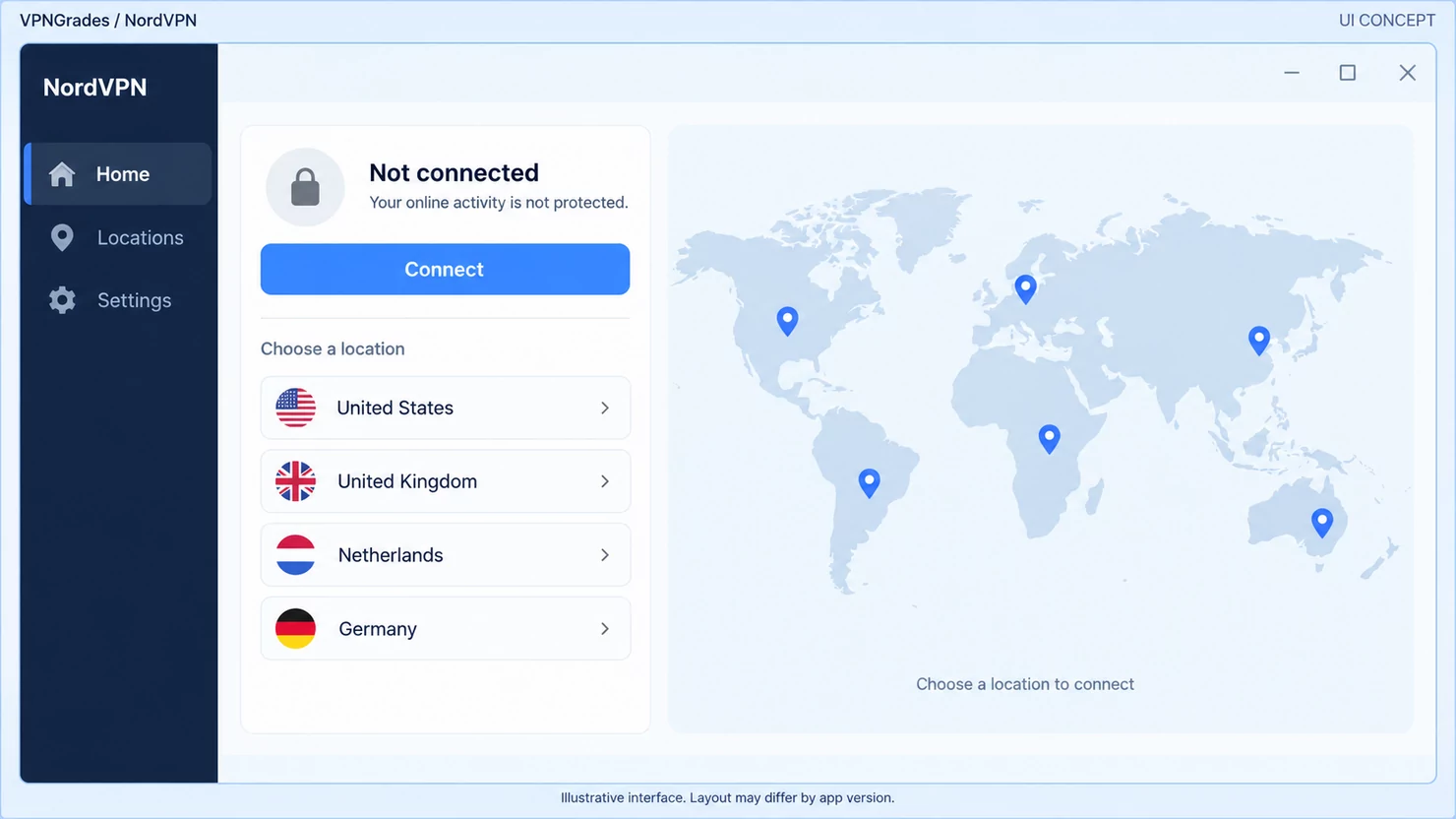
Desktop connection interface.
The number of platforms matters less than whether the one you actually need is on it. The awkward cases are always the same three: a router, a television, and a work machine that will not let you install anything. A router install covers every device on the network at once, including the ones that have no app at all, and it counts as a single connection against your device limit, which is the reason it is worth the afternoon it costs to set up.
A browser extension is not the same product as the app. It routes that browser and nothing else: not your email client, not a game, not a second browser. It is a proxy with the provider’s name on it, and it is useful for exactly what it does.
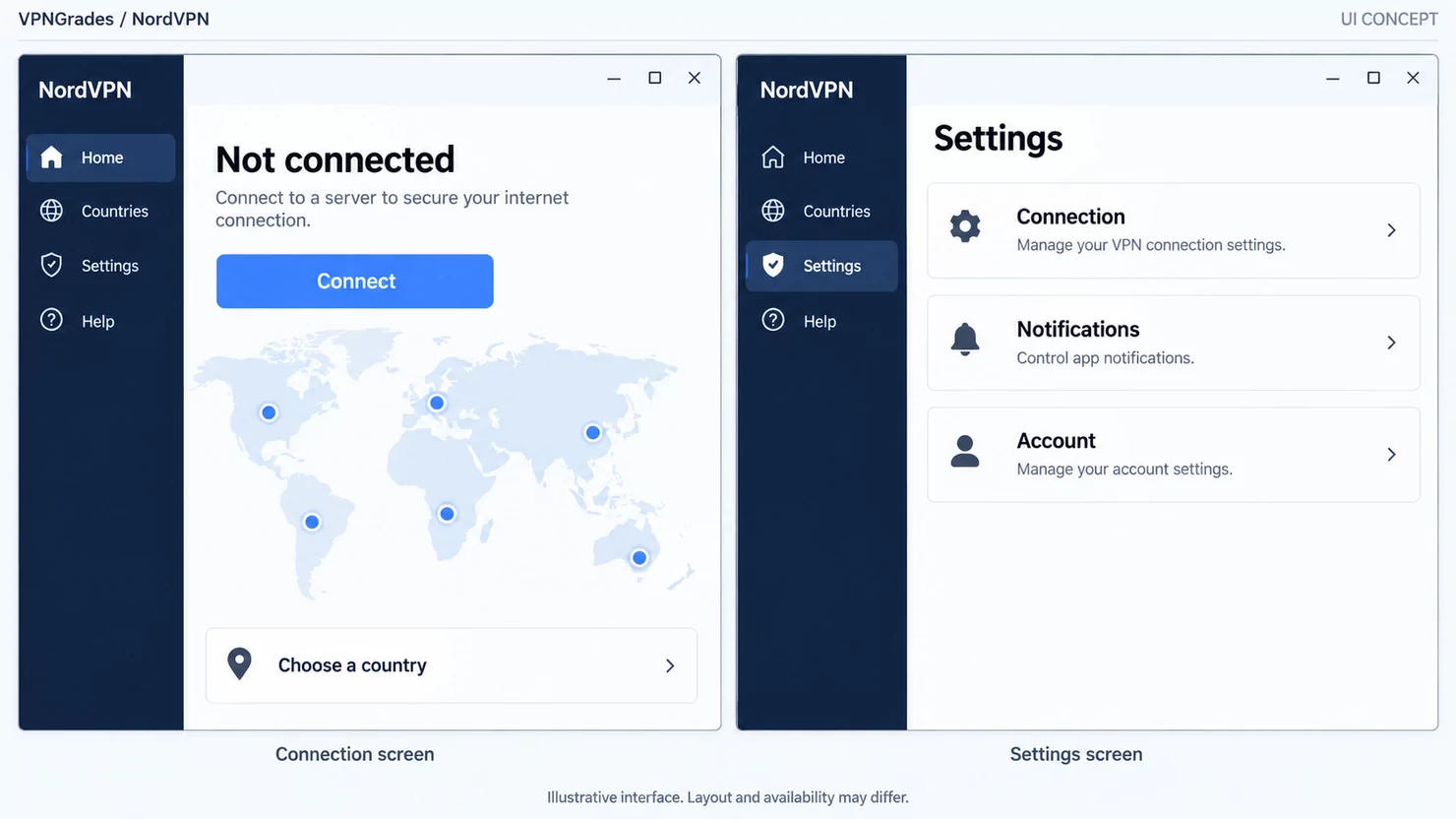
Where the connect button, the location list and the settings sit in the desktop app.
Network and support
Network: Not stated on the download page we read (nordvpn.com/download, read on 6 September 2026). Support: 24/7 by email and live chat, stated on the same page.
Server counts are the most quoted and least useful number in this industry. A larger network mostly means more places to land and less crowding at peak times; it says nothing about whether the route to you is fast. What is worth checking is whether the provider has servers in the specific country you need. A network of thousands is no help if none of them sit where your bank, your broadcaster or your employer expects you to be.
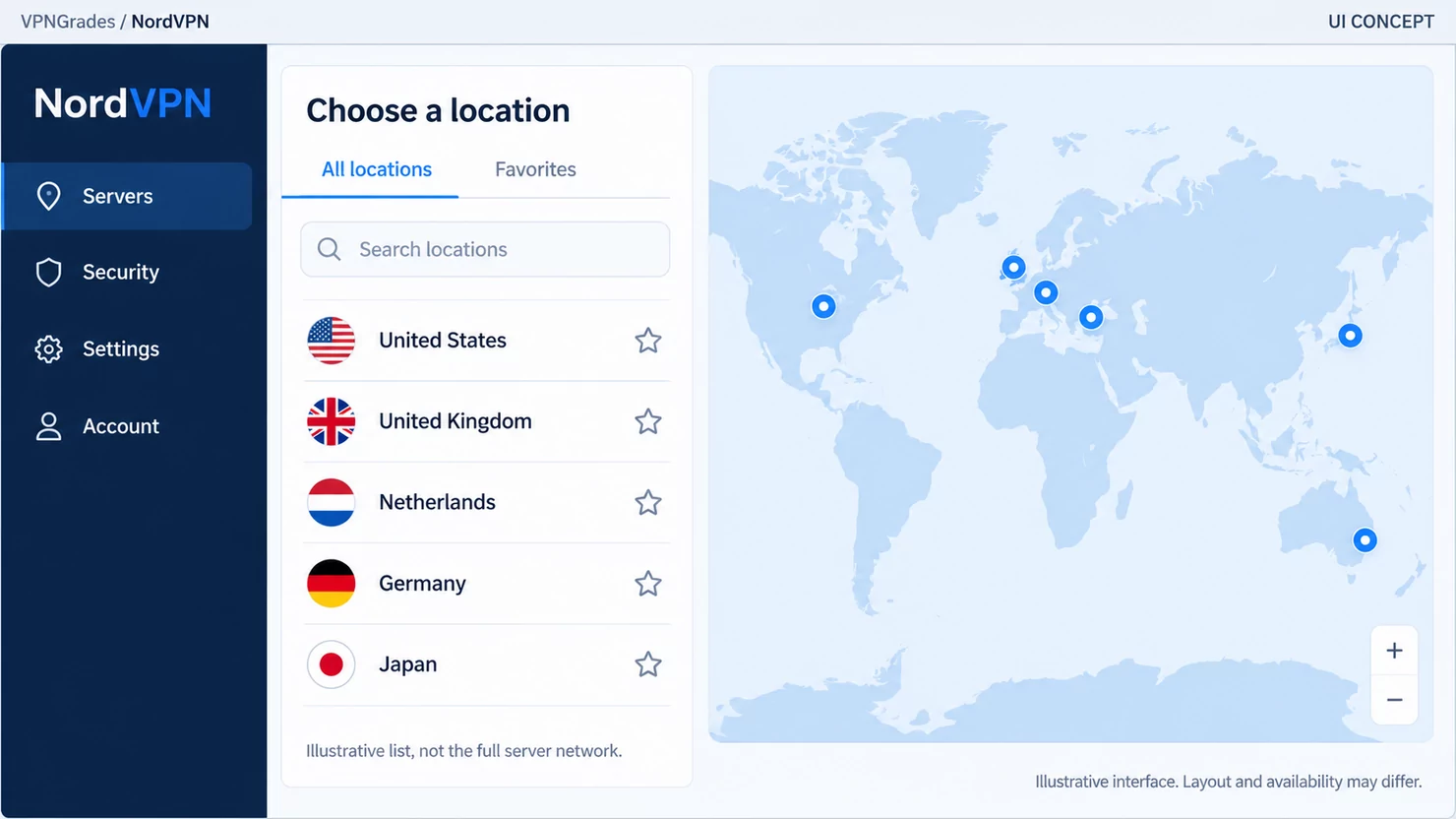
How the location picker is organised. The list is shortened for the illustration.
Support is easier to judge and gets judged less. The question is not whether live chat exists but whether a refund request goes through it without a fight. That is the one interaction most subscribers will have, and it happens inside the money-back window, which is another reason not to leave that window to its last day.
All seven side by side
Read from each provider’s own site on 6 September 2026. Entry prices are the advertised first-term rate seen from Europe and renew at a different rate; "not stated" means the detail was not on the pages we read, not that it does not exist.
Provider | Entry price | Devices | Refund | Governing law | Free tier |
|---|---|---|---|---|---|
NordVPN | €3.49 | 10 | 30 days | not stated | no |
€2.49 | unlimited | 30 days | British Virgin Islands | no | |
$2.49 | unlimited | 30 days | not stated | no | |
€3.49 | 10 | 30 days | Switzerland | yes, no data cap | |
€2.49 | not stated | 30 days | British Virgin Islands | no | |
not shown | unlimited | 30 days | Colorado, USA | no | |
€2.19 | 7 | 45 / 14 days | Romania | no |
Two columns carry more weight than they look. Governing law decides who can compel a provider and through what process. It does not tell you whether anything is kept, but it sets the ceiling on what any privacy promise can be worth. And refund is the only trial you get; CyberGhost’s 45 days applies to long plans only, with 14 on monthly.
What is deliberately not a column: server counts, speeds and no-logs ticks. Every provider here states a no-logs policy, so the column would read "yes" seven times and separate nobody. What separates them is whether an independent audit exists, what it covered and when it was published, and that belongs in the text, not in a tick box.
Privacy and logging
NordVPN’s own legal pages did not state a governing jurisdiction in the sections we read on 6 September 2026. The company is widely associated with Panama, but we are not going to report that as a fact we checked, because we did not find it where we looked. If jurisdiction is the deciding factor for you, ask their support and get the answer in writing.
Why the no-logs promise separates nobody
NordVPN states that it does not log what you do online. So does every other provider on our list, without exception. A sentence that appears on all seven sites cannot be the thing that tells them apart, which is why you will not find it as a tick in our comparison table.
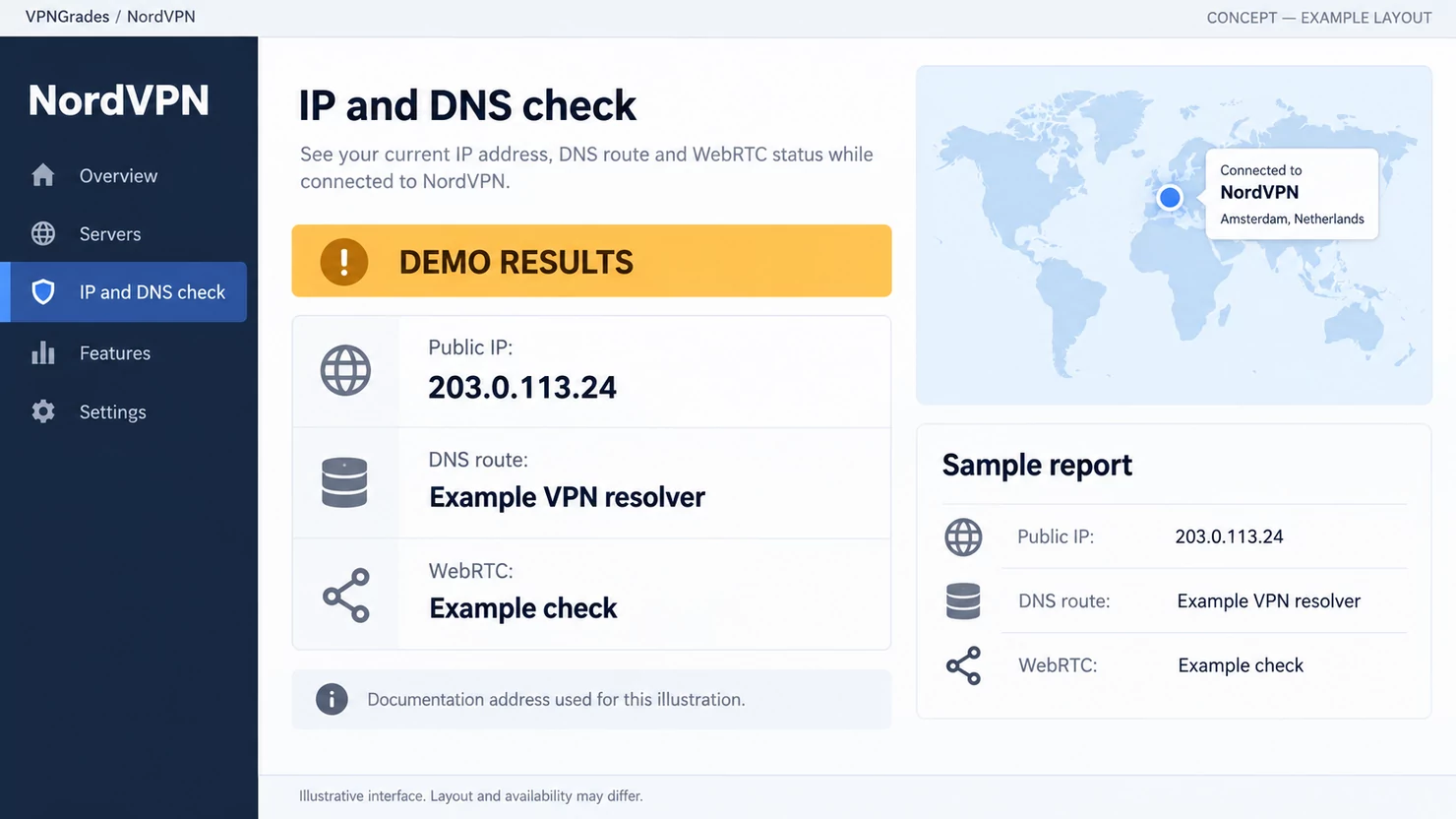
An IP and DNS check tells you which address and resolver a site actually sees. The values shown are examples.
What would tell them apart is an independent audit, and the scope of that audit matters as much as whether one exists. "Audited" can mean a full review of the server infrastructure and the internal processes around it, or a narrow look at one desktop application. Those are not the same claim, and a comparison table that renders both as a green tick is worse than one that leaves the column out. Where we discuss an audit, we say what it covered and when it was published, or we say that we have not seen one. That rule is set out in our editorial policy.
What jurisdiction actually decides
It decides who can compel the provider to hand something over, and through what process. That is all. It does not tell you whether the provider keeps anything worth handing over, and a favourable jurisdiction on top of poor internal practice buys you very little. Read it as a ceiling on what any privacy promise can be worth rather than as the promise itself.
The practical version, for most people: your threat model is probably an untrusted network and an internet provider that logs, not a state actor with a court order. For that, every provider here is sufficient, and the jurisdiction question is a tie-breaker rather than a decision. If your threat model is genuinely the second one, a VPN is one layer of several and this page is not the whole answer.
Streaming and torrenting
This is what most people buy a VPN for, and it is where the whole industry is least reliable. We are not going to publish a table of ticks saying NordVPN works with Netflix, Hulu and the rest, because that table is out of date by the time anyone reads it.
Why it keeps changing
Streaming platforms actively identify and block addresses they associate with VPNs and data centres. A provider adds addresses, the platform blocks them, the provider rotates. That loop runs continuously, which means a route that works this morning can fail this evening, on the same server, from the same house. Nothing about that is unique to one provider.
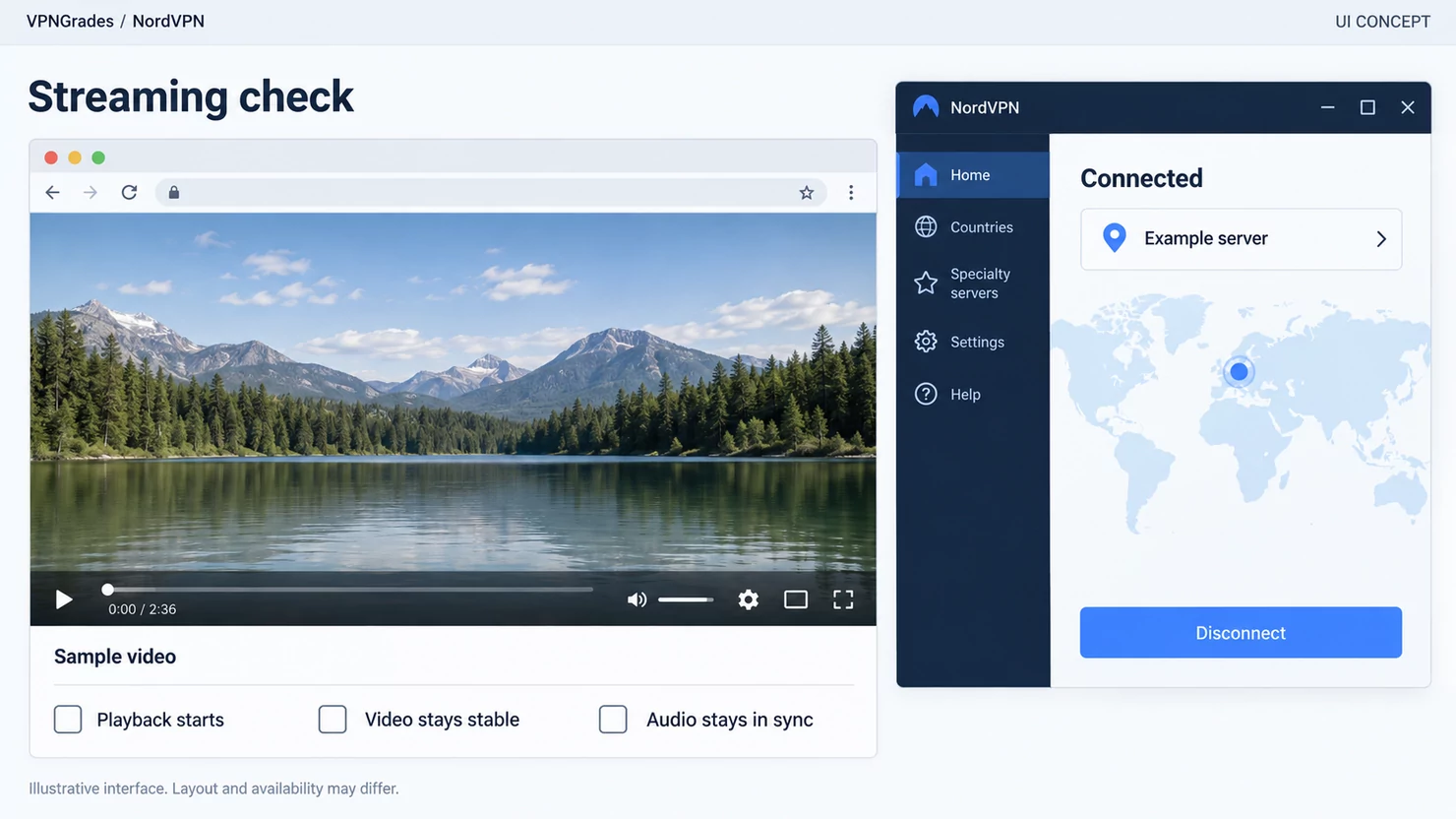
What a streaming check looks like when you test a service yourself.
NordVPN advertises that it works with particular services. That is the company’s claim about its own product, and it is a reasonable claim to make; it is not a guarantee, and no provider can honestly offer one. Treat any specific promise about a named platform as a statement of intent.
How to find out for yourself, properly
Inside the money-back window, and in this order. Sign up, install the app, connect to the country whose catalogue you want, and open the service on the device you will actually use. A television behaves differently from a laptop, because a TV often ignores the VPN entirely unless the router is carrying it. Play something for a few minutes rather than checking that the page loads. Then try a second server in the same country, because one blocked address does not mean the provider is blocked.
Do that in the first week. It is the only test that answers your question, and it is the reason the refund window matters more than any feature list.
Torrenting
NordVPN allows peer-to-peer traffic on part of its network and routes you there automatically when it detects it. Two things are worth separating here. A VPN hides the traffic from the network you are on and hides your IP address from the peers you connect to. It does not make the activity legal where it is not, and it does not make you anonymous. The account you are signed into and the fingerprint of your device are untouched by it.
If this is your reason for subscribing, the feature that matters is the kill switch: it cuts the connection when the tunnel drops, instead of quietly letting traffic out over your ordinary line. Check that it is on before the first download, not after.
Getting started, and what to check in the first week
The money-back window is a deadline, not a cushion. Everything below fits inside it comfortably if you do it in the first few days, and none of it is worth doing on the last one.
Day one: install it where it actually matters
Start with the device you were thinking of when you bought it. If that is a laptop, install the NordVPN desktop app rather than the browser extension. The extension covers that browser and nothing else, which is a different product on the same subscription. If it is a phone, install it there first, because a phone joins networks you do not control far more often than a laptop does.
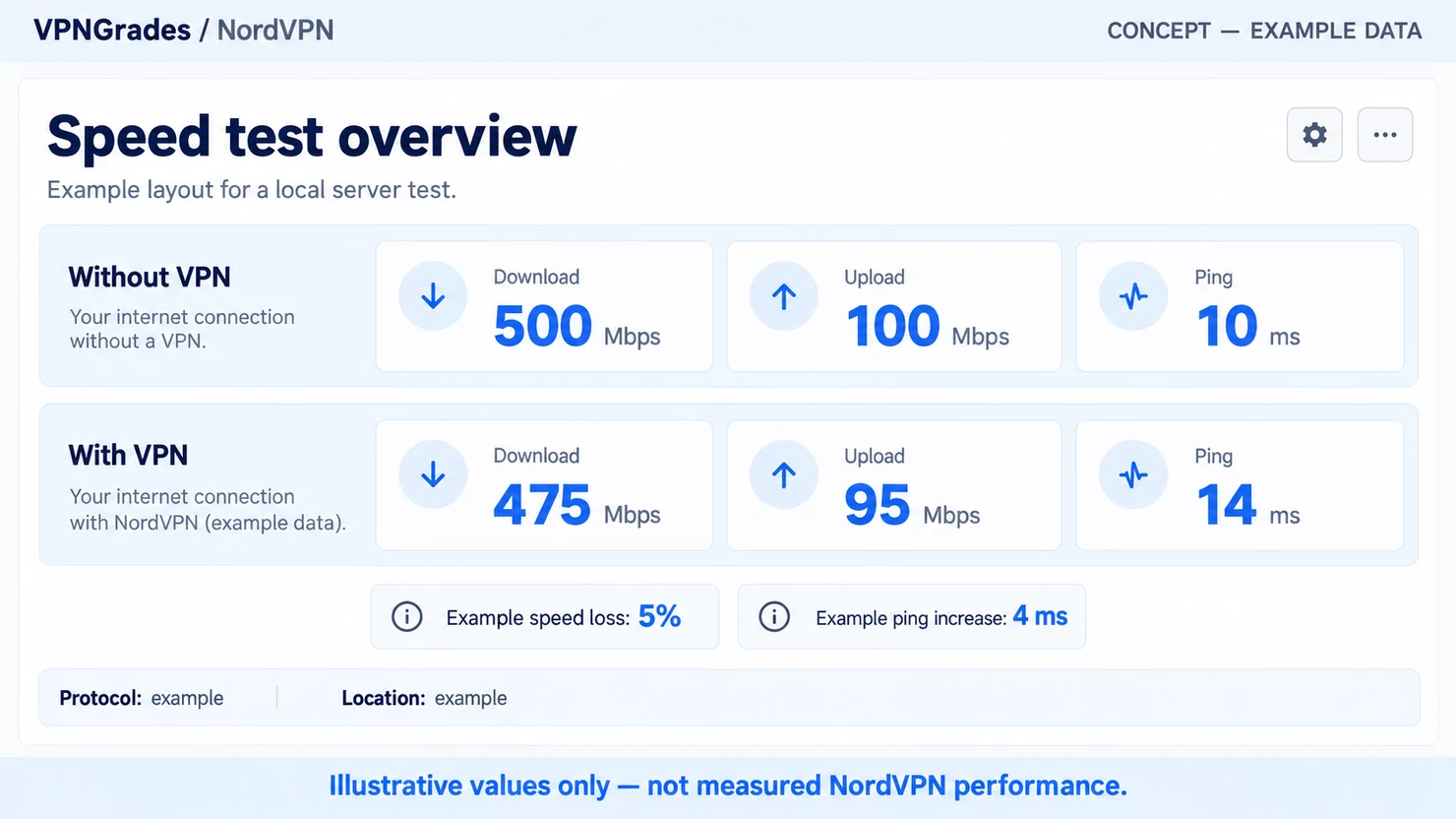
What a before-and-after speed test looks like. The figures are examples, not our measurements.
Then turn on the kill switch before you do anything else. It cuts your connection when the tunnel drops instead of quietly letting traffic out over your ordinary line, and it is off by default more often than it should be.
Day two: test the thing you bought it for
Not a speed test. Connect to the country you need and use the actual service, play a few minutes of video, log into the account, open the site that was blocked. A page that loads is not the same as a service that works, and streaming platforms in particular will let you reach the home screen and then refuse to play.
If it fails, try a second server in the same country before concluding anything. One blocked address is not a blocked provider, and this is the single most common reason people ask for a refund they did not need.
Day three: the awkward devices
Televisions, games consoles and anything else with no app of its own. The answer for all of them is the router: install once there and every device on the network is covered, counting as a single connection against your device limit. It costs an afternoon and it is the only route that covers hardware the provider has never heard of.
Before the window closes
Decide, and if the answer is no, ask for the refund while you still can. The request goes through support, and how that interaction goes is the one thing about a provider that almost nobody tests before subscribing and almost everybody experiences at some point.
Features worth knowing
Most of what separates one VPN from another is not the encryption, everyone uses the same ciphers, but the features built around it. These are the ones on NordVPN that actually change what you can do.
Meshnet: connects your own devices to each other directly, without routing through a VPN server. Useful for reaching a home machine remotely, moving large files, or LAN gaming. NordVPN made it free to use without a subscription.
Threat Protection: blocks ads, trackers and known-malicious sites, and checks downloads. The full version runs even with the VPN disconnected; the Lite version only works while connected. Independent testing has questioned how much malware it actually catches, so treat it as a useful extra rather than a replacement for a real scanner.
Tor over VPN: routes you into the Tor network through NordVPN, so your provider sees a VPN connection rather than a Tor one. Relevant if using Tor is itself the thing you need to hide.
Dark Web Monitor: watches for your account email appearing in leaked credential dumps and alerts you.
SmartPlay: smart DNS folded into the normal connection, so streaming services resolve without a separate setup step.
Two kinds of kill switch: one cuts the whole connection, the other only the apps you name. The full one is the safer default.
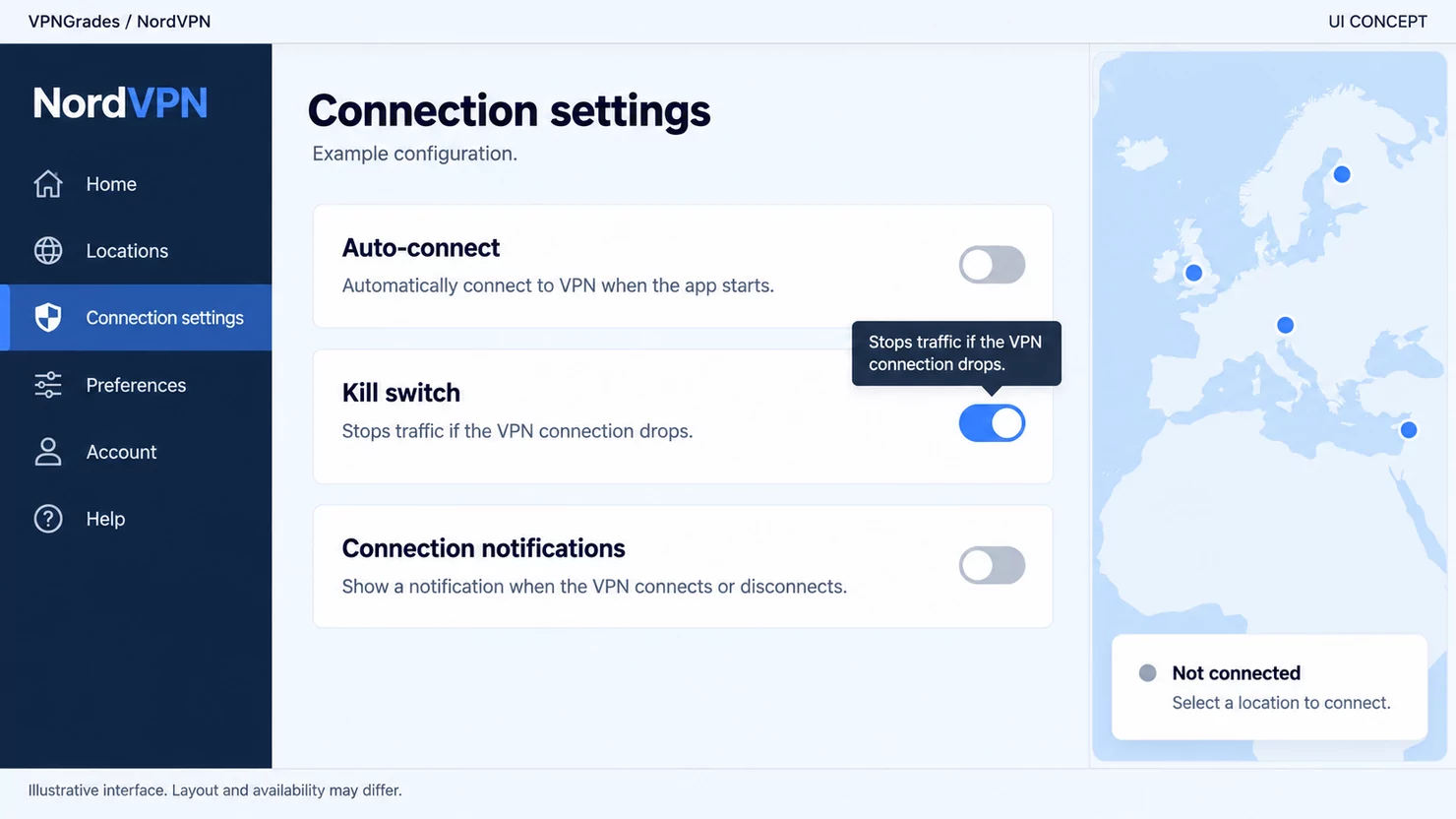
The kill switch and auto-connect live in the connection settings.
Two limits worth knowing before you buy: split tunnelling is only on Windows, Android and Android TV, and the plan covers a maximum of six devices at once. If a household needs more, that is a real constraint. Surfshark does not cap devices at all.
The 2018 breach
In 2018 an attacker reached one NordVPN server through a third-party datacentre. NordVPN says no user traffic was exposed and points at the datacentre provider; the provider pointed back. What is not in dispute is that the intrusion went unnoticed for months and only became public when the attacker discussed it openly.
Our reading: the direct harm appears to have been limited, and NordVPN's response, revoking the affected certificates, moving to audited infrastructure, running a bug bounty, is the response you would want. The lasting point is about detection, not encryption. We mention it because a review that leaves it out is not telling you everything you would want to know.
The verdict
Choose NordVPN if you want one VPN that handles everything and takes no learning.
Look elsewhere if price is the deciding factor, or you want hands-on control over protocols and routing. Surfshark costs less on a long plan; IPVanish exposes the controls NordVPN hides.
It is the safe default, and we rank it first for exactly that reason rather than because it wins on any single measure.
Whatever you decide, the decision is provisional until you have run it on your own connection. Every provider on this list gives you a money-back window for that, and it is the only part of the buying process where you get a real answer instead of a claim. Use it in the first week: install it, run it on the connection you actually have, and test the things you bought it for.
Where NordVPN sits against the other six, and why, is set out on our ranking page. What our commercial agreements can and cannot influence is in the affiliate disclosure: placement yes, stated facts no.
What it does well
Apps or extensions for eleven platforms, including routers, Android TV and smart TVs
Up to ten simultaneous connections
Support on 24/7 live chat and email, stated on its own download page
The most recognised name on the list, which matters when you are handing it to someone else to install
What to weigh against it
Its legal pages did not state a governing jurisdiction in the sections we read
No server count on the download page we read
Not the cheapest entry price of the seven, and no free tier
How this compares with the others we rank
A review of one provider only tells you half of anything. These are the other six in our ranking, with the reason each one exists on the list:
Surfshark: the cheapest full-featured plan on our list.
IPVanish: the one for routers and manual configuration.
Proton VPN: the privacy-first choice, and the only real free tier.
ExpressVPN: the premium option, priced like one.
Private Internet Access: configurable and cheap, registered in the United States.
CyberGhost: the most forgiving for a first-time user.
The order comes from our review methodology, and what our commercial agreements can and cannot influence is set out in the affiliate disclosure. If you want the short version of how to choose between them, the buying guide sits under the table on the ranking page: jurisdiction, whether anyone independent has examined the logging policy, what you pay in year two, and the refund window as the only trial that means anything.
Further reading
NordVPN Multi-Year Plans: what the price looks like once the first term ends.
Does NordVPN Work With Netflix: what a VPN does and does not change for a catalogue.
Is How I Met Your Mother on Netflix: what a VPN does and does not change for a catalogue.
Is One Tree Hill on Hulu: what a VPN does and does not change for a catalogue.
Frequently asked questions
Is NordVPN worth paying for?
If you want one VPN that handles everything without a learning curve, yes. That is why we rank it first. If price is the deciding factor, Surfshark costs less on a long plan. Either way the answer is provisional until you have run it on your own connection.
Does NordVPN keep logs?
NordVPN states that it does not keep logs of what you do online. That is a claim by the company, not a finding by us. What lifts a no-logs statement above marketing is an independent audit, and the scope of that audit matters as much as whether one exists. A full infrastructure review and a check of a single desktop app are very different things.
How should you test NordVPN before committing?
Install NordVPN during the money-back period and use it on the connection you actually have, for the things you bought it for: the streaming platform, the work login, the router. Do that in the first week rather than on the last day of the window, so you still have time to ask for the refund.
Who should not choose NordVPN?
Two groups. Anyone shopping purely on price, who will do better with Surfshark. And anyone who wants hands-on control over protocols, routing and router setups, which is what IPVanish is for.